
Built for your company, runs on your own server, no per-user fee. Whether your team logs in from the office or the field, they see the same record.
A business management panel is management software that keeps a service company's quotes, work orders, service reports, equipment, customer and account records in a single web application. Karkiraz Medya installs this panel separately for each company: it runs on the company's own hosting account, comes with the company's logo and document numbering, and the fee does not change with the number of users.
The difference from subscription software: there is no monthly user fee, data stays in the company's own database, modules are added as needed. It is designed for every company that needs this structure, from technical service, calibration and maintenance firms in OSTİM and İvedik, Ankara, to periodic inspection, occupational safety and engineering companies across Türkiye.
The day's summary, the team's latest activity, quotes, the ledger, companies and user permissions sit in one panel, and the field team fills in service forms on a phone. Watch a sample service company's panel in one minute.
The login screen, the menu and every printout come with your logo and colours. Document numbers follow your own scheme, for example quotes start at T-2026-001.
Atlas Servis on this page is a sample company, and all data on the screens is fictional.
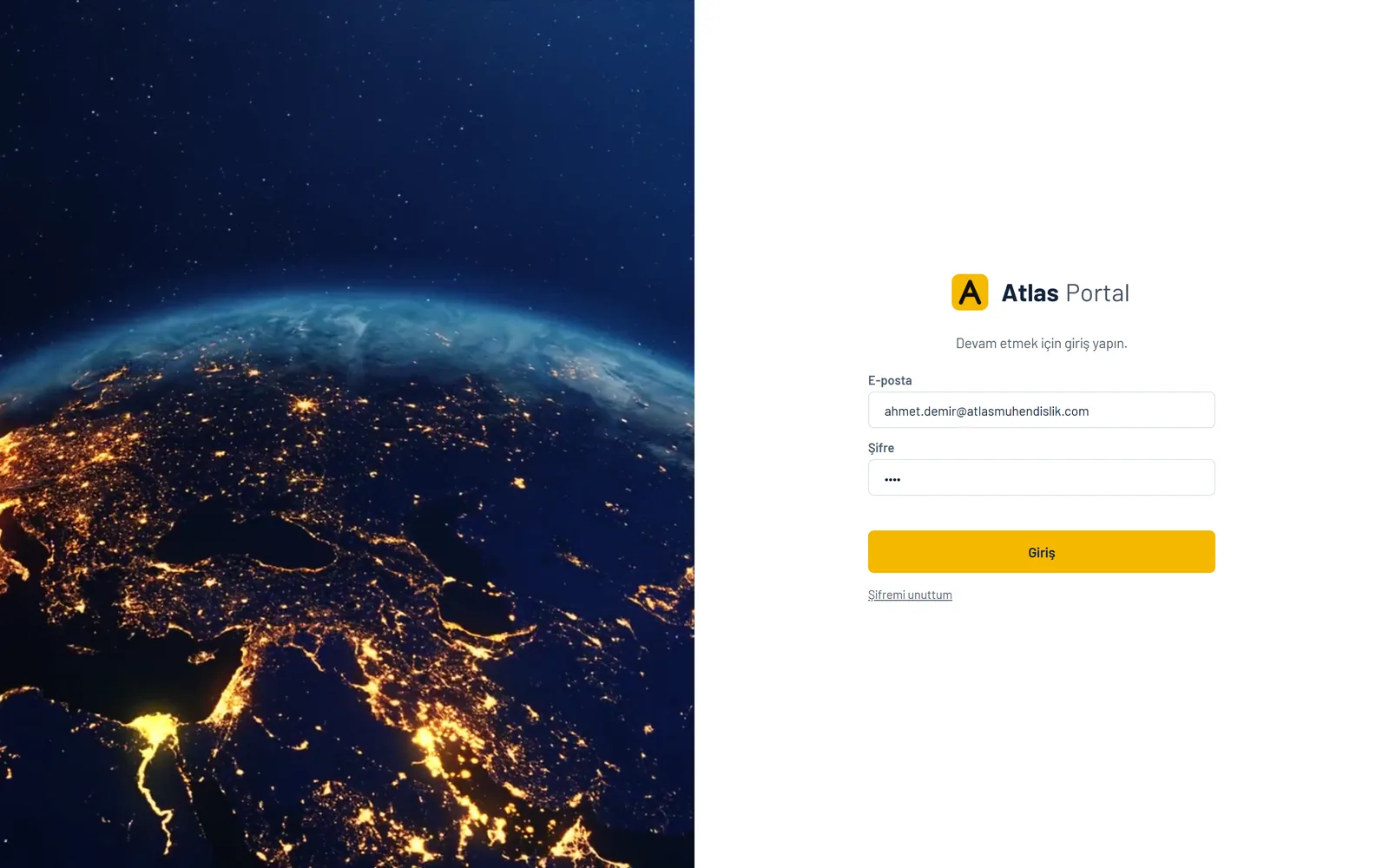
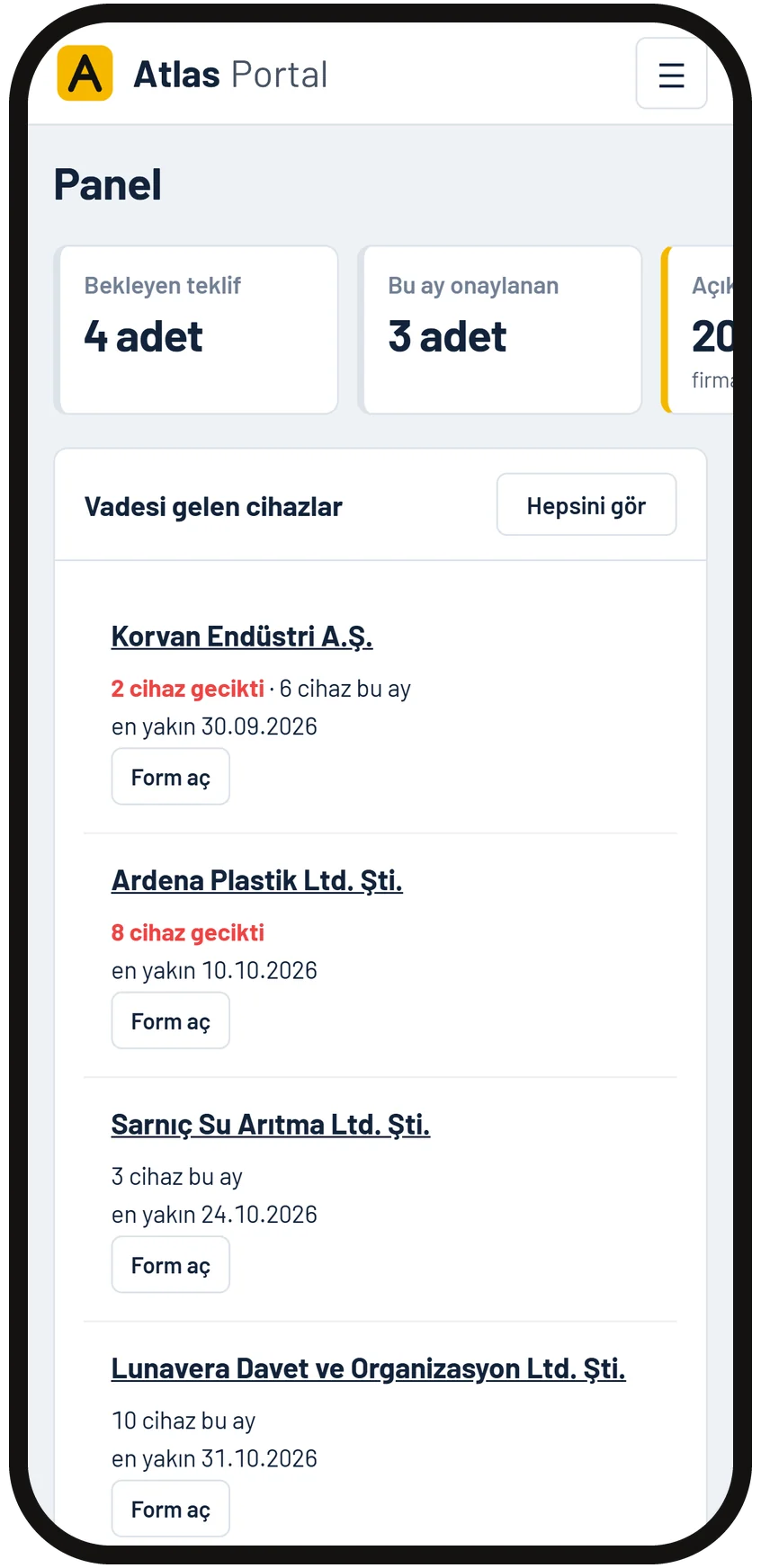
Pending quotes, work approved this month, open balance, overdue receivables and upcoming periodic jobs sit on the first screen with their figures. The list shows which companies need a call back today.
Who on the team did what and which document was created when shows in recent activity. A shared notebook records calls and decisions.
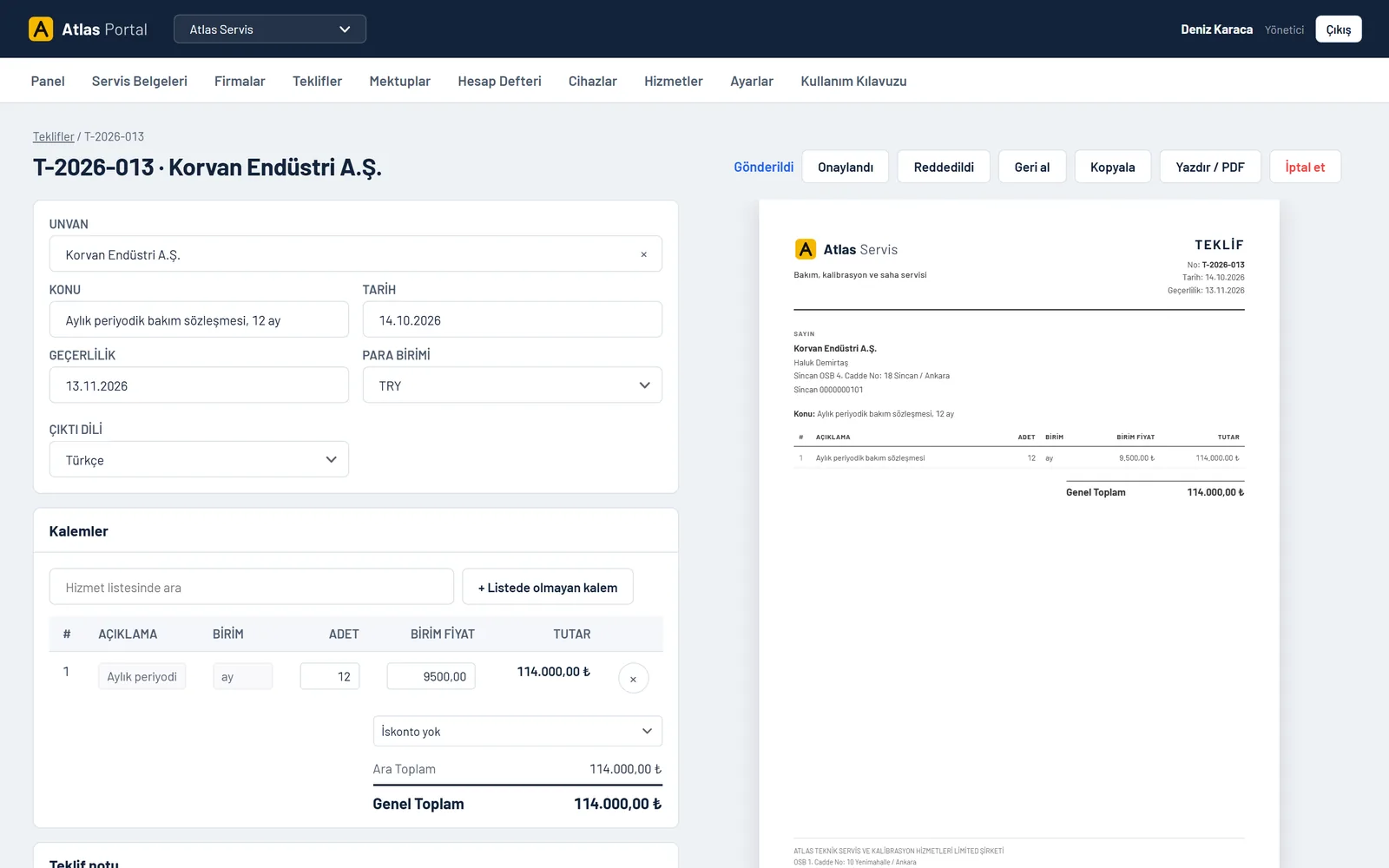
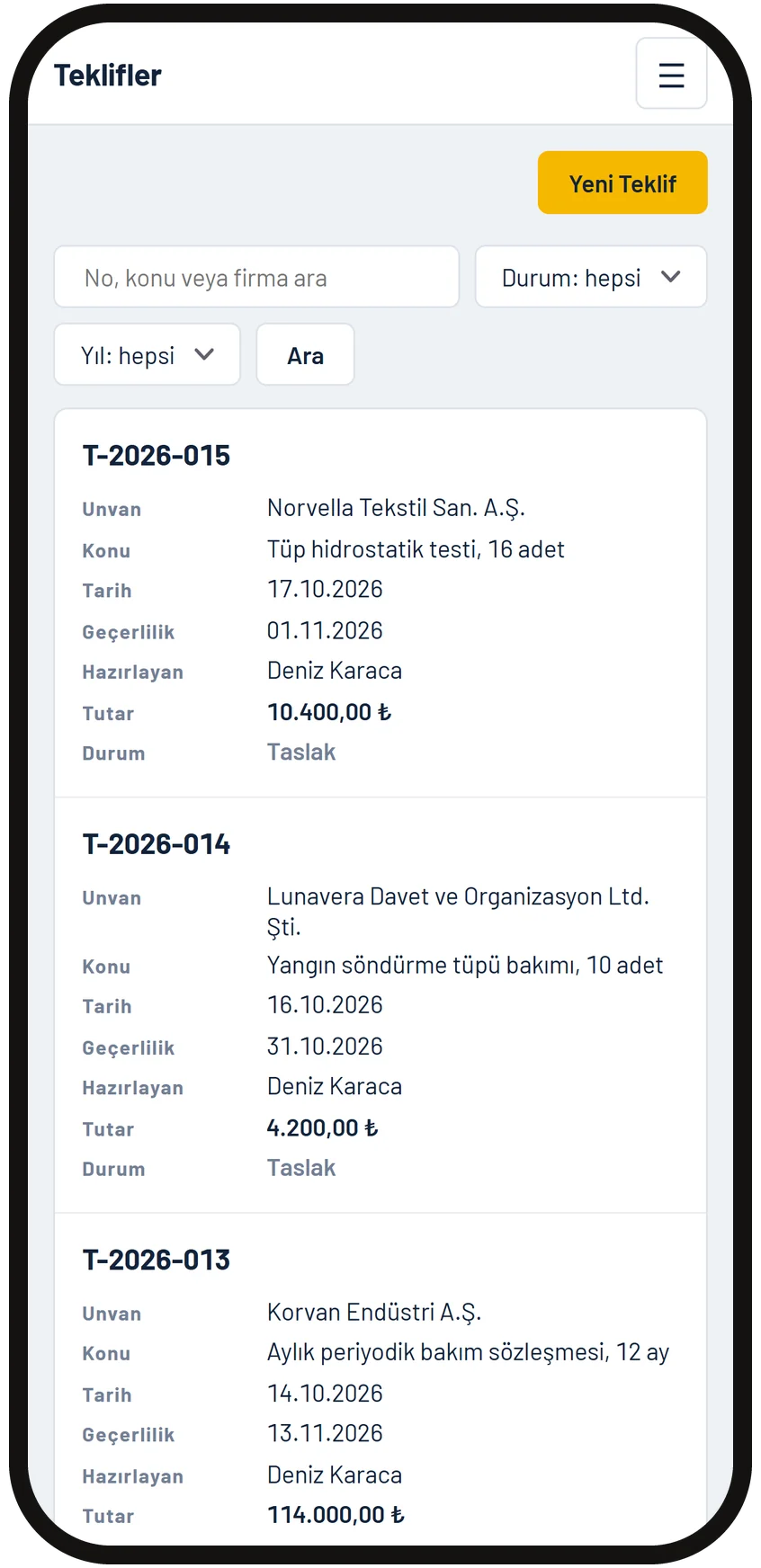
Line items are picked from the service price list, and the amount and grand total are calculated automatically. A quote can be prepared in lira or a foreign currency, and an earlier quote can be copied for similar work.
The status changes in one click: sent, approved or rejected. An approved quote is posted to the ledger as a receivable, and the printout comes on your letterhead in Turkish or English.
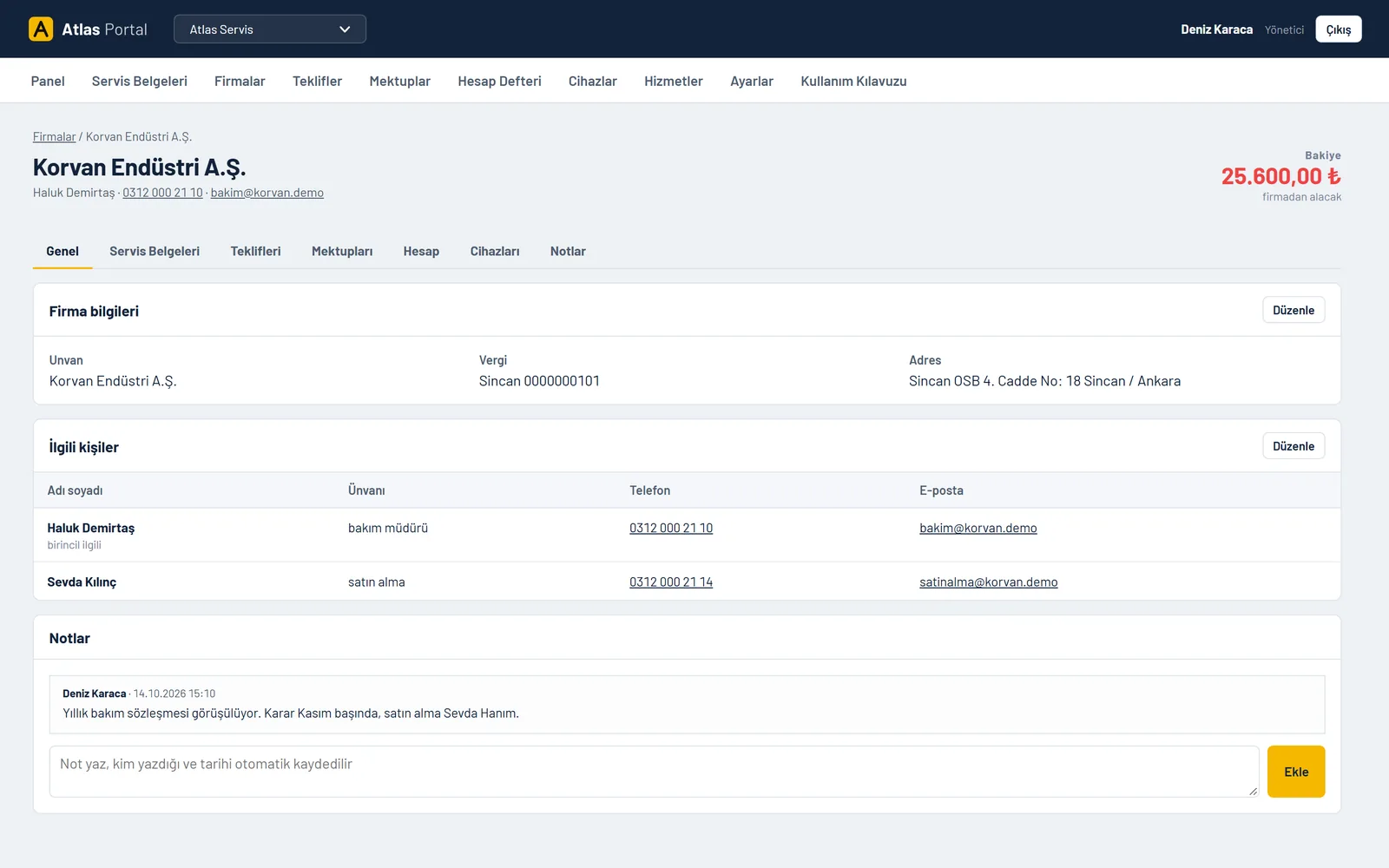
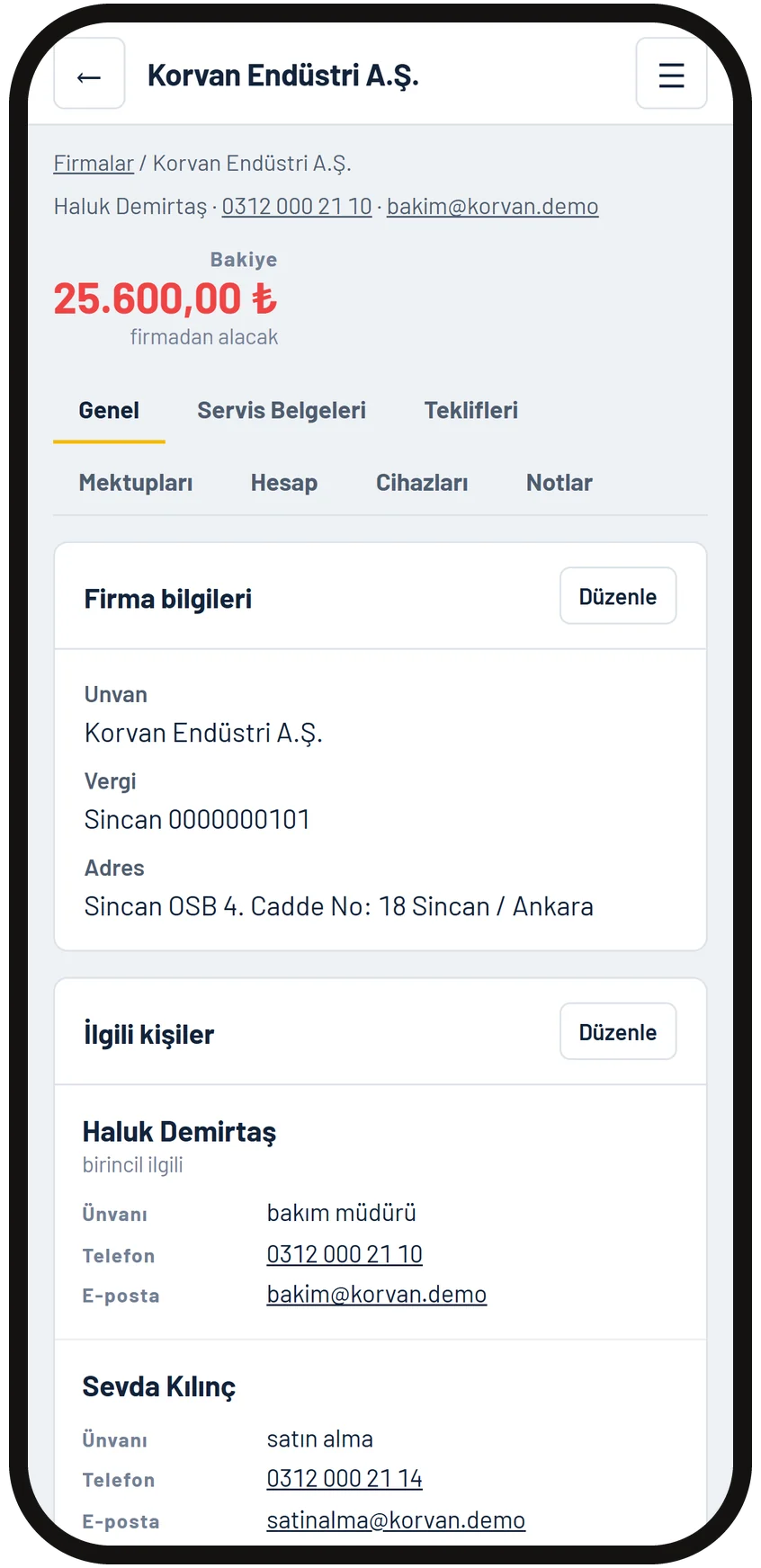
Contacts, service reports, quotes, letters, ledger entries, equipment and notes sit in the tabs of the same card. The balance shows at the top, and phone and email are one click away.
A new staff member opens the company and sees the whole history. Knowledge stays in the panel, not in people's heads.
Each device's serial number, the company it is at and its next date are on record. Overdue items show in red and upcoming ones land on the home screen. Calibration, periodic inspection, maintenance or training: every dated job is tracked the same way.
Every morning a summary of the devices coming due reaches the office by email. The reminder letter to the customer goes out from the company card, with your approval.
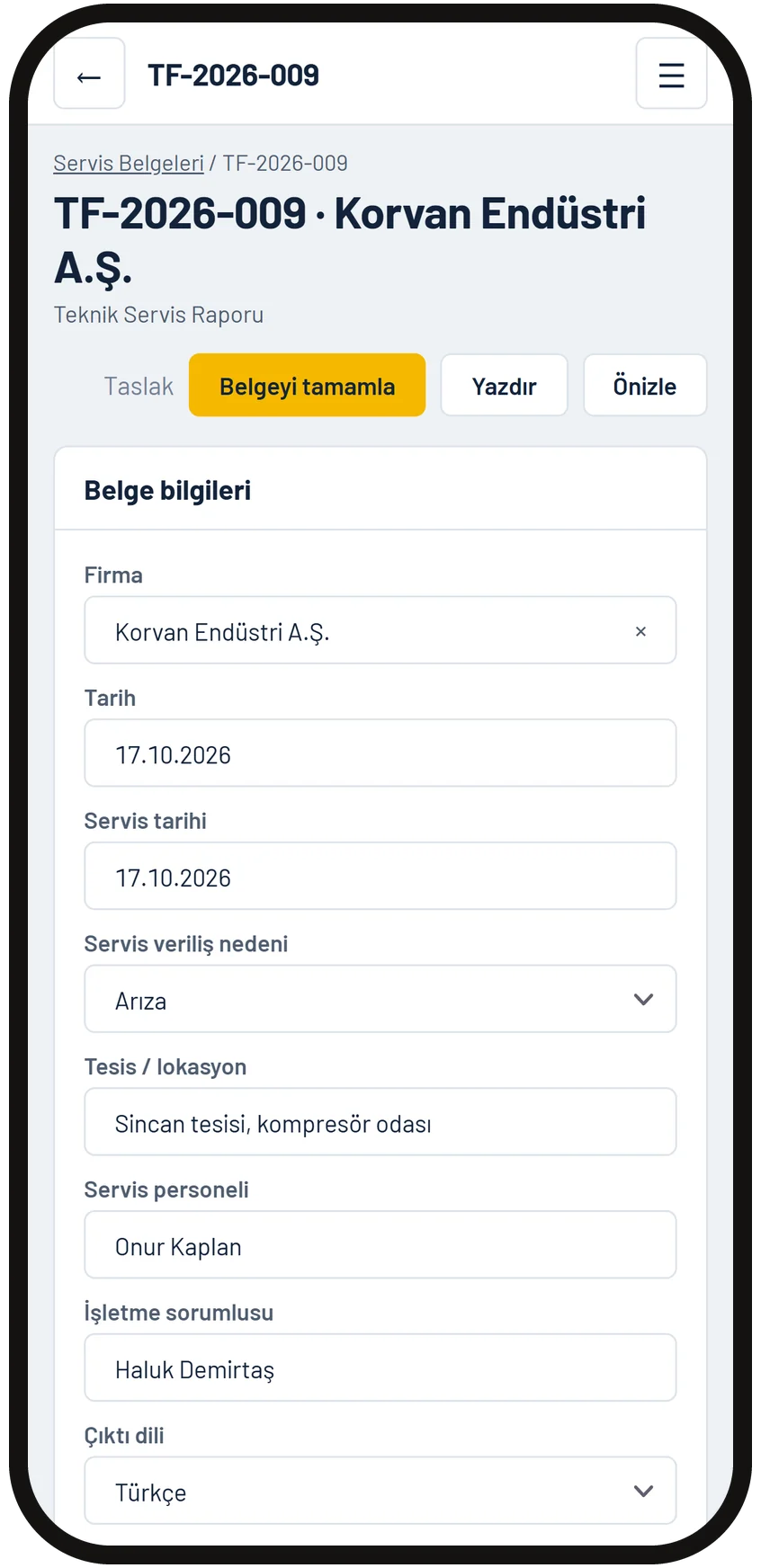
Field staff enter the facility, the work done and the result on site, and complete the report there. The report carries no prices, and invoicing stays in the ledger at the office.
A completed report is archived under its number, and the device's next date goes into the calendar automatically. The PDF printout and the device label print from the same record.
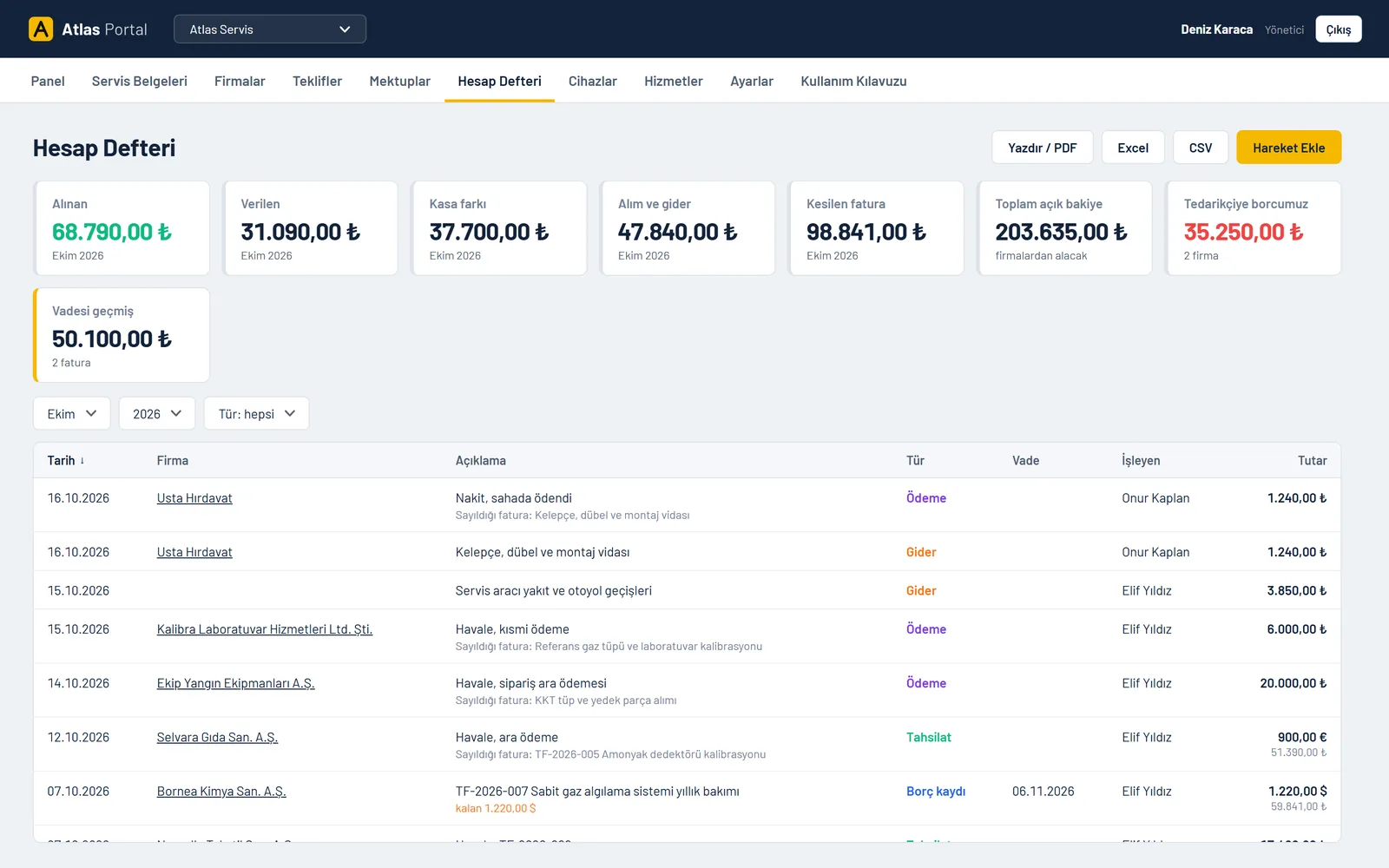
Invoices issued, payments received, amounts owed to suppliers and overdue receivables show in a monthly summary. Euro and dollar entries are kept in their own currency, with the lira equivalent beside them.
Statements are taken per company, and the list exports to Excel, CSV and PDF. It does not replace official accounting, it prepares the file that goes to your accountant.
No separate app is installed. Staff sign in from the phone's browser and see only the screens their role allows.
The database is backed up every night and each backup is checked to open. If a backup fails, the manager gets an email.
If you run more than one company, they all sit in the same panel and you switch with the selector at the top. Each company keeps its own numbering, letterhead and accounts.
Managers see everything, and office staff enter quotes and payments. Field staff cannot see the ledger, and the panel never shows them any amounts.
The user guide lives inside the panel, with screenshots. New staff answer most of their questions from the guide.
Automated tests confirm that each role reaches only its own screens and that no data passes between companies.
Login attempts are limited and the connection is encrypted. When a user's access is closed, their session ends at once.
The panel runs on standard cPanel hosting with PHP and MariaDB. The code and database are in your account, and a backup is taken automatically every night.
The manager opens and closes user accounts. You pay us nothing to add someone to the team.
Who holds what when the panel goes live
The core is the same: company, quote, document, equipment, letter and ledger. Whatever your sector, we translate the words into your language. Equipment instead of device, measurement report instead of service report, periodic inspection instead of calibration.
In the first call we listen to your workflow and decide together which modules to enable.
Yes. We show the panel live over screen sharing, on a sample company's data. Request a demo on WhatsApp or through the contact form, and we will agree on a time together.
On your own hosting account, a standard cPanel server with PHP and MariaDB. Data stays in your database and does not depend on our server.
No. Setup is one-off and your whole team uses the same installation. No monthly licence or per-user subscription is charged.
Yes. The panel is installed separately. When bought with a website it runs under the same domain, for example portal.yourcompany.com.
Company list, equipment list and service price list are imported during setup. Your team starts with a populated panel on day one.
Yes. Quote, document, company, equipment, letter and ledger modules are ready. Fields, document templates and reports specific to your company are added per job.
The database is backed up every night on your own server and each backup is checked to open. If a backup fails, the manager gets an email, and you can take and download a backup in one click at any time. Login attempts are limited, roles are separated and the connection is encrypted.
Let us show you the panel over screen sharing, on an example close to your workflow.
Request a demo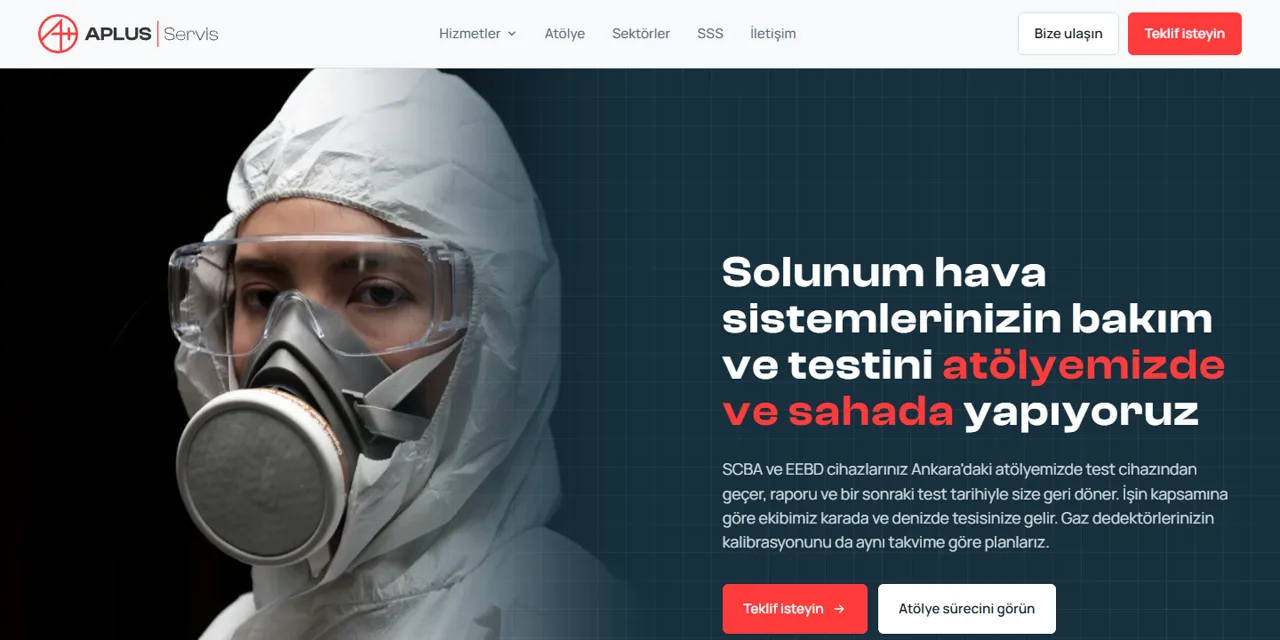
We design the site for your company, it opens fast and is found on Google. No monthly fee, the whole system from domain to code belongs to you.
See details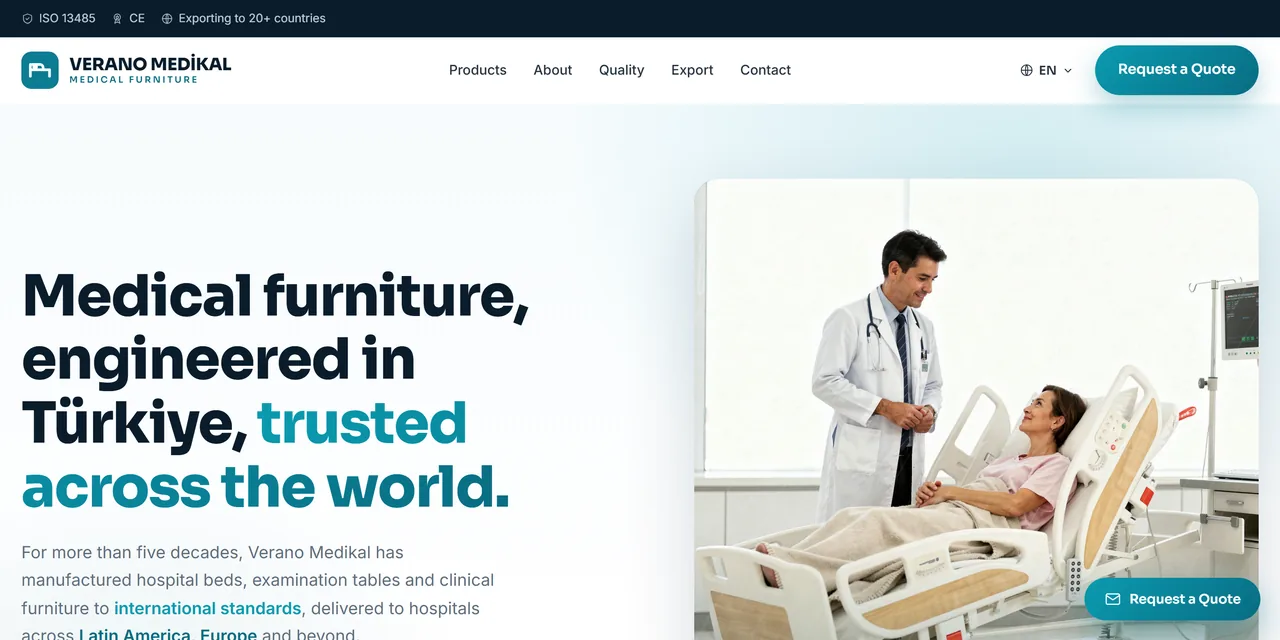
Multilingual product showcase, catalogue, and quote and distributor requests from abroad.
See details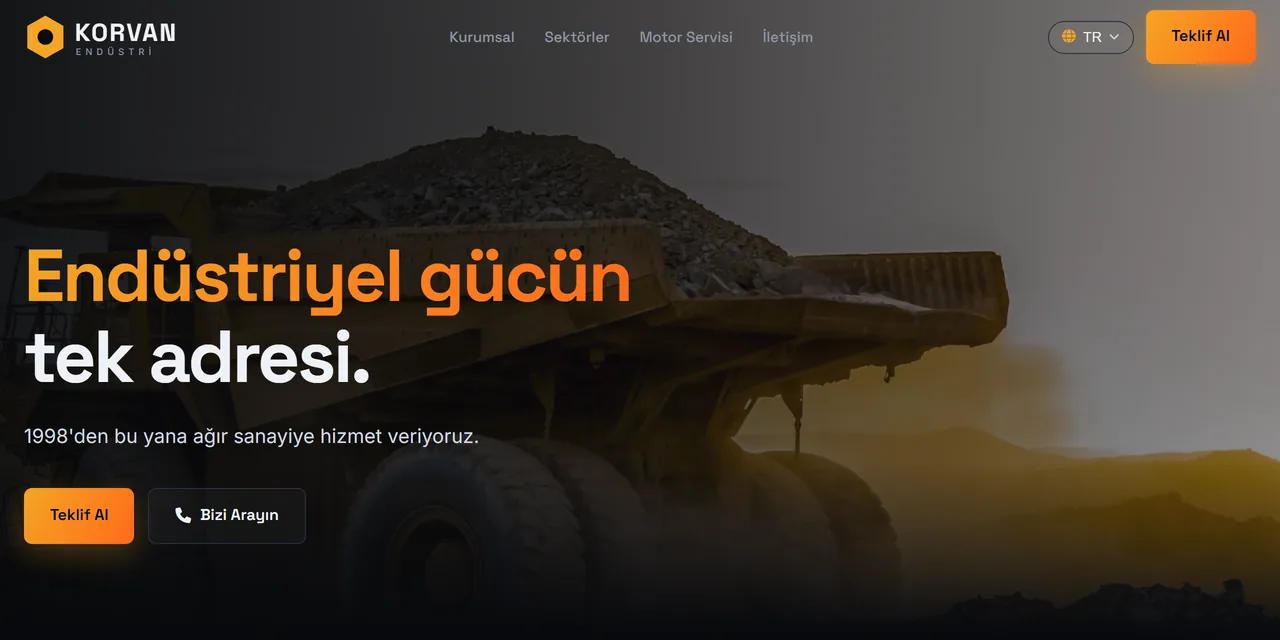
Product groups, service pages, solutions by sector and a quote form.
See details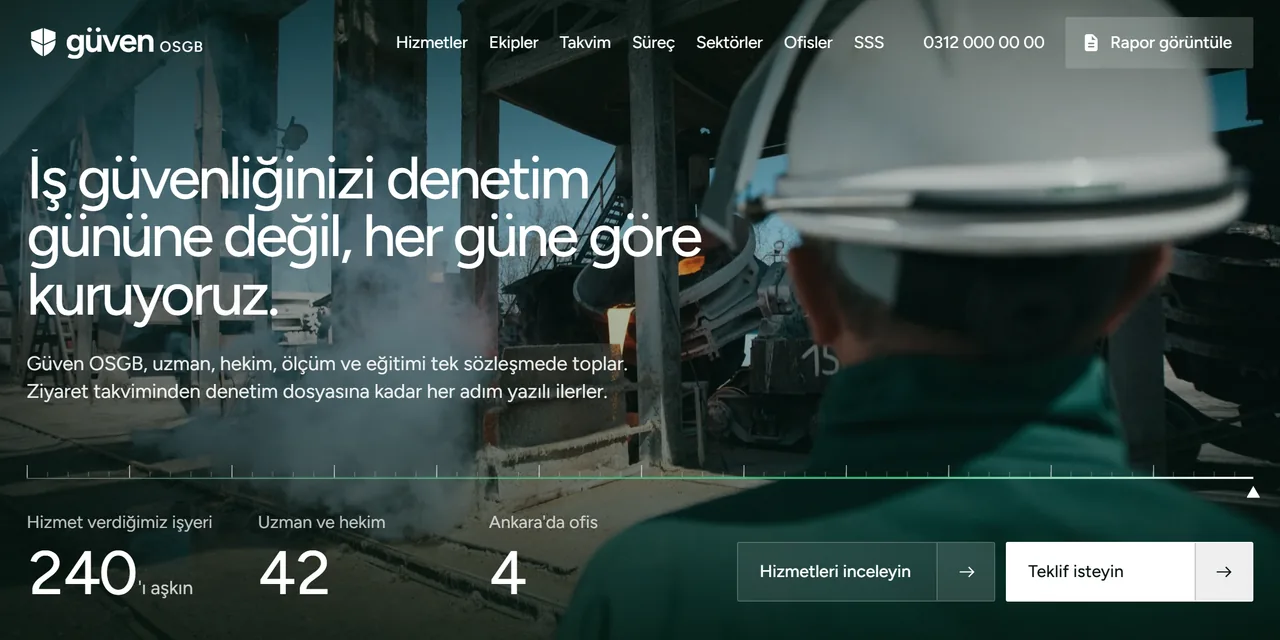
Service cards, a renewal calendar by hazard class, authorisation certificates and a quote form that asks for the hazard class.
See details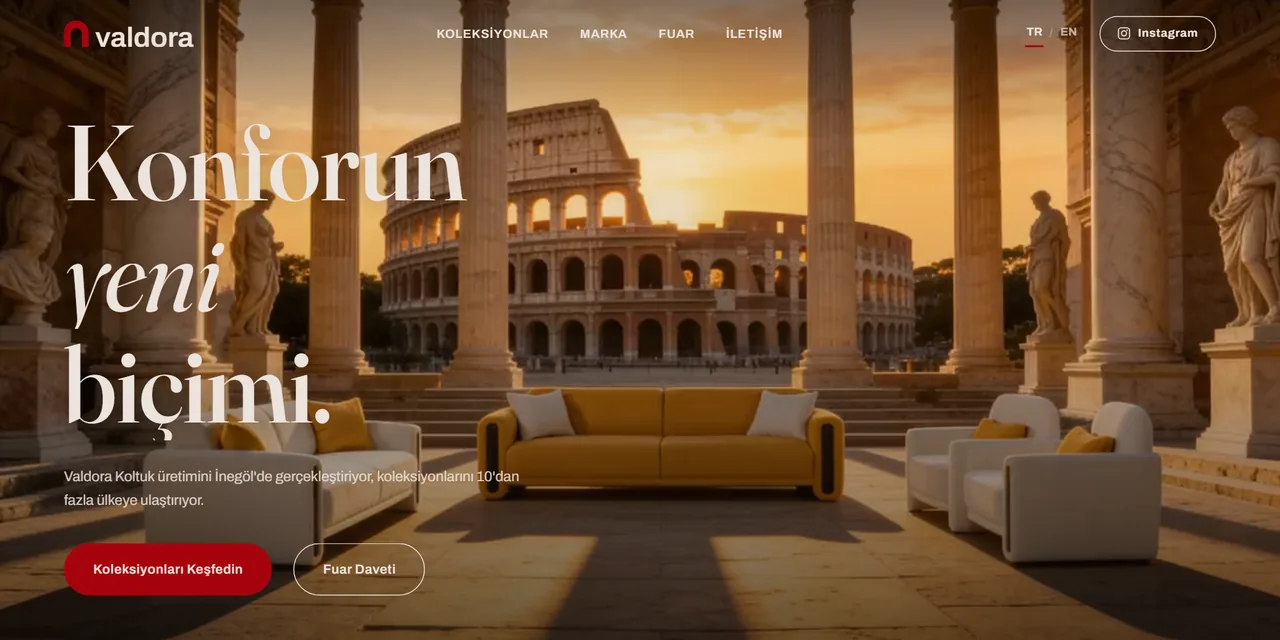
Collections on series pages, one-click catalogue, trade fair invitation and dealer requests at one address.
See details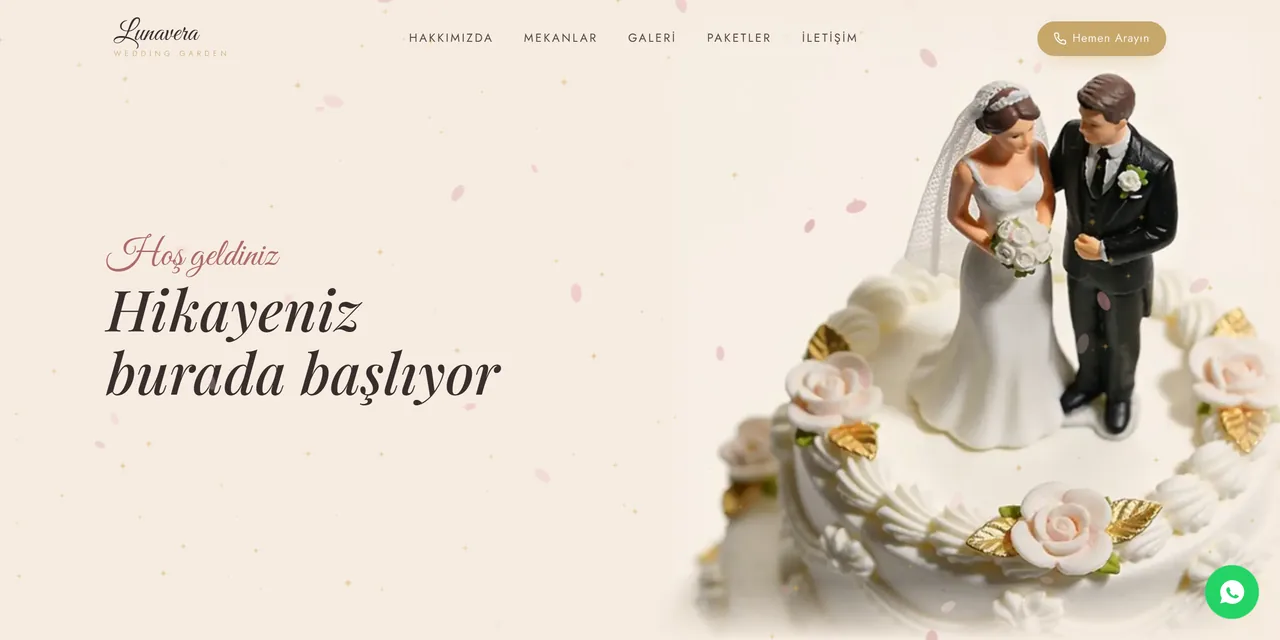
Venues, gallery and packages on one site. Couples send date and quote requests with a single WhatsApp message.
See details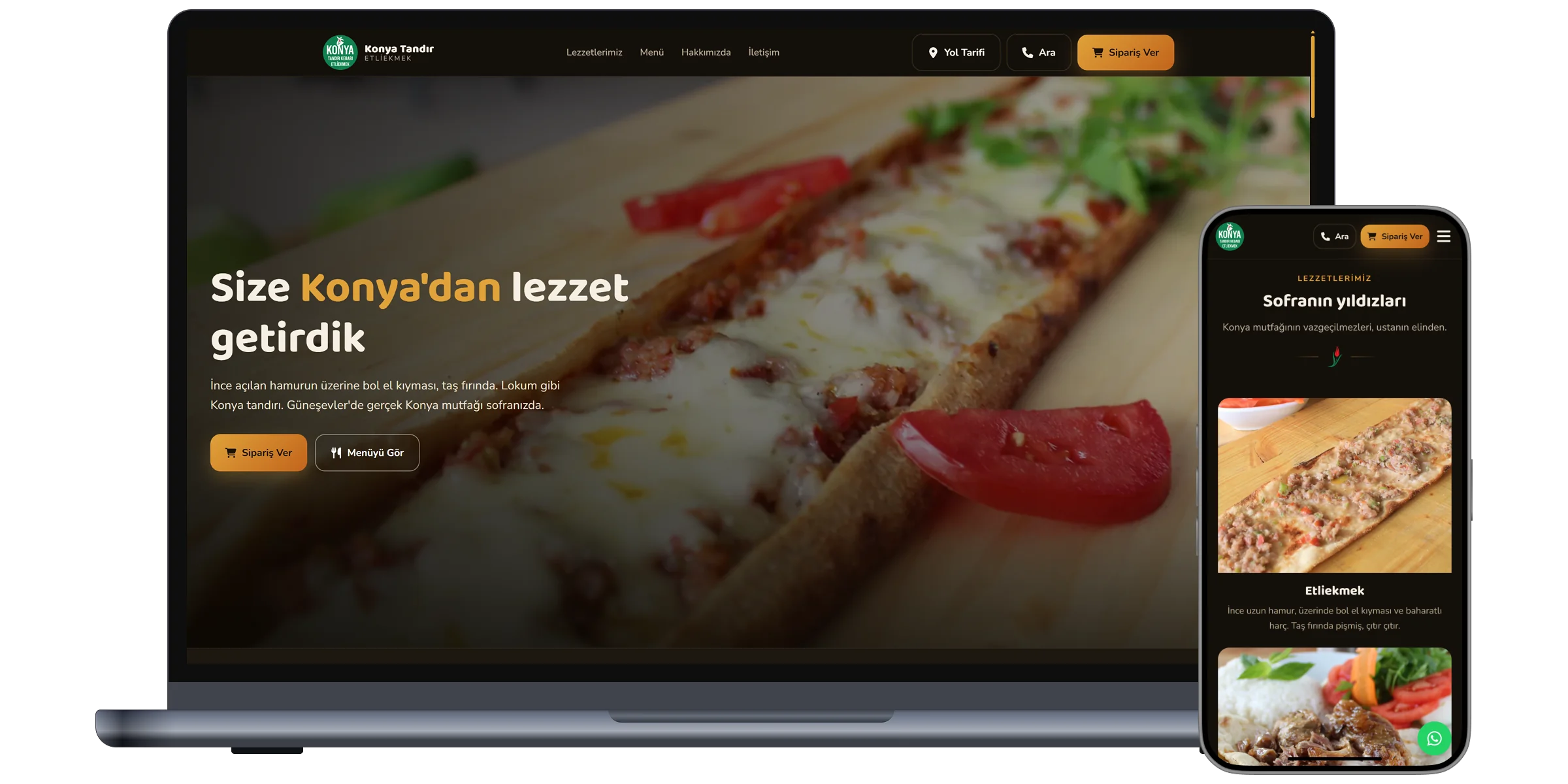
QR menu, table ordering and delivery. Orders arrive directly at the restaurant, commission free.
See details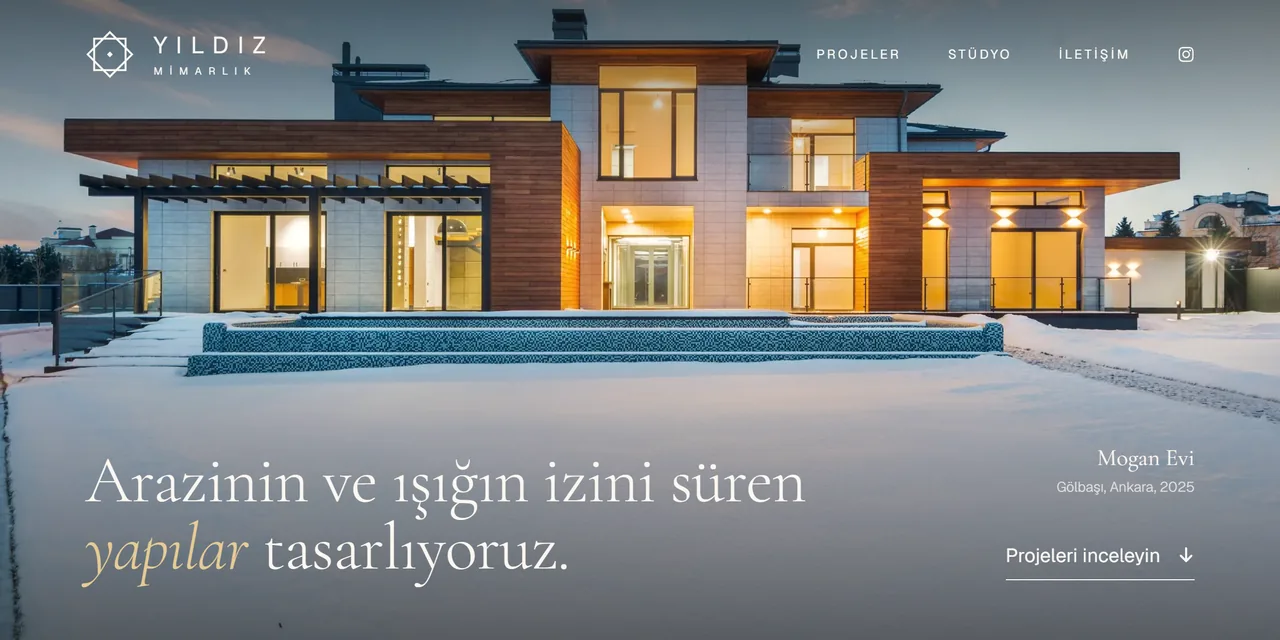
Projects on their own pages with large images, fact sheet, material palette and a full-screen gallery.
See details