
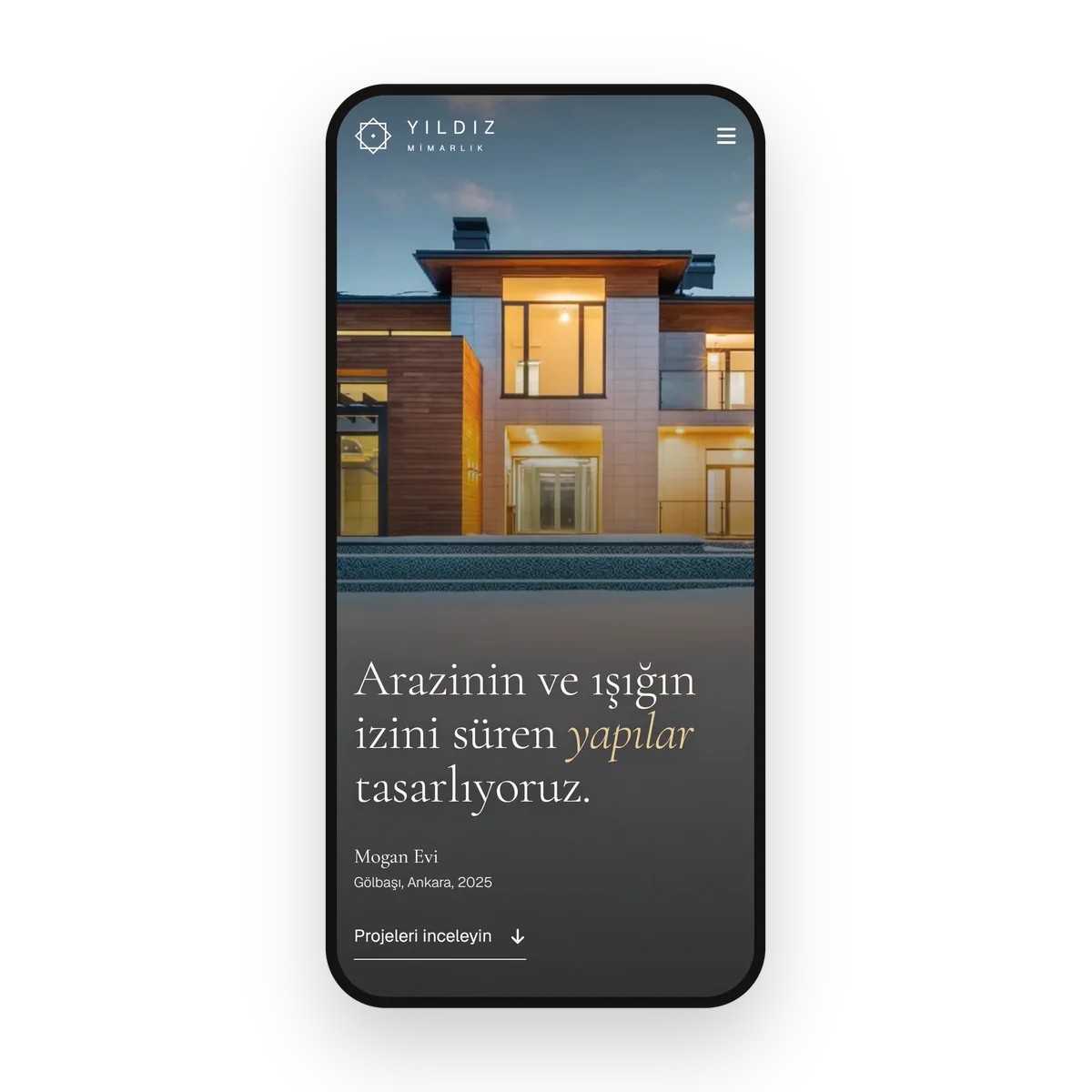
A site that presents your projects with large images on their own pages, shows your design language at first glance and brings project enquiries to you by phone and WhatsApp. No monthly fee, domain and content are handed over to your office.
An architecture website presents an architecture or interior design office's projects, design approach, services and working process under its own domain, and collects project enquiries from landowners, investors and institutions. Karkiraz Medya, a digital studio based in Ankara, designs, codes and launches these sites for architecture offices, interior designers and design studios working in Ankara, especially in Çankaya, Yenimahalle and Gölbaşı.
As with the corporate website, there is no monthly fee, the site runs on the office's own hosting account, code and content are delivered to the office. The difference is the architecture-specific structure: each project is told on its own page with its fact sheet, design decisions and material palette, photos and visualisations open large and fast, and the gallery is browsed full screen. We design the site in the office's own design language, so type, colour and spacing decisions carry the same care as your projects.
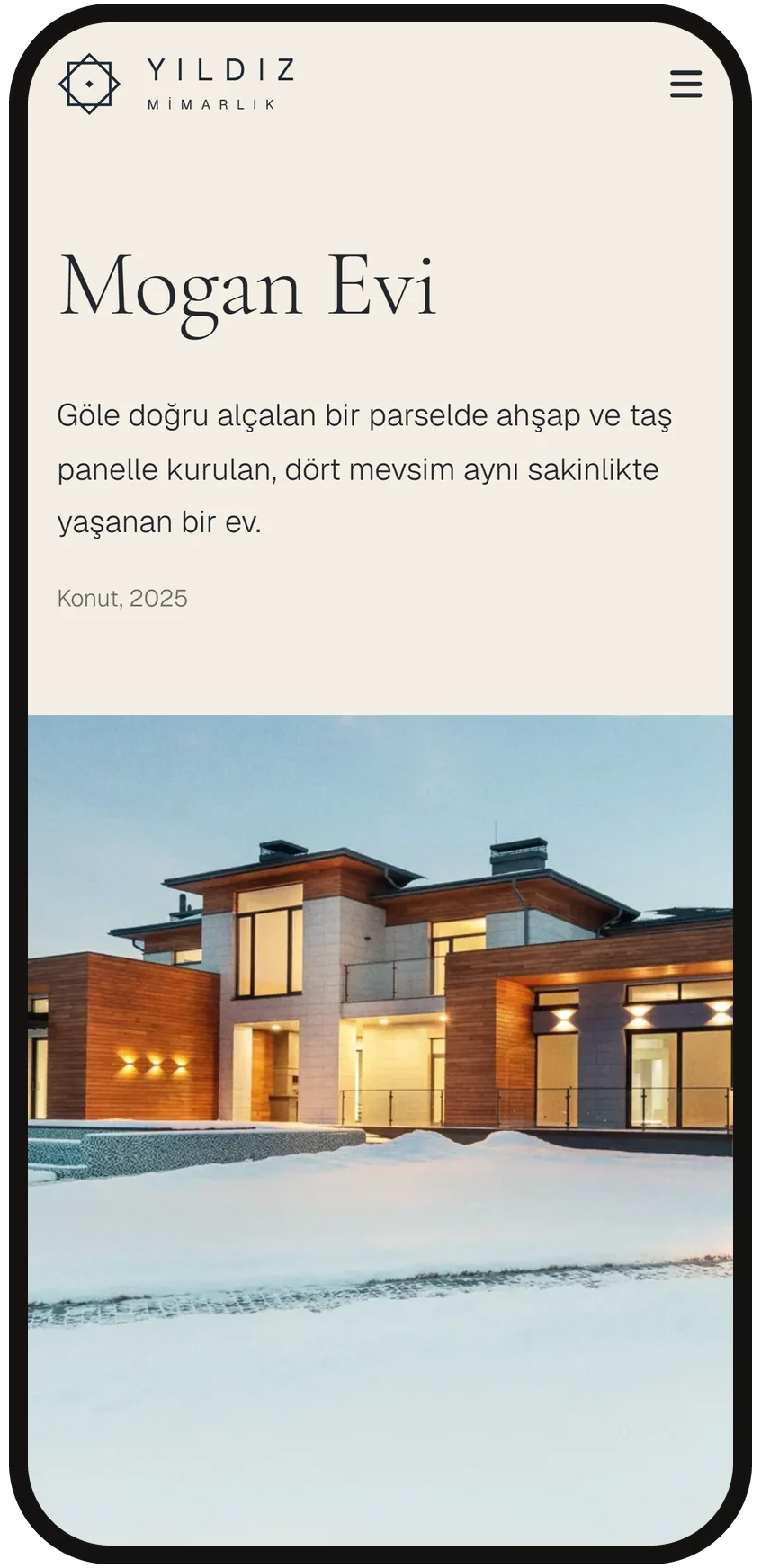
A landowner searching "Ankara architecture office" or "Gölbaşı villa project" finds your office's own site, not a listings site. On opening, full-screen project images play in turn, each frame with the project name, location and year.
Images are compressed and loaded to fit the screen size, so the site opens fast on a phone despite large photos. At first glance visitors see what you design.
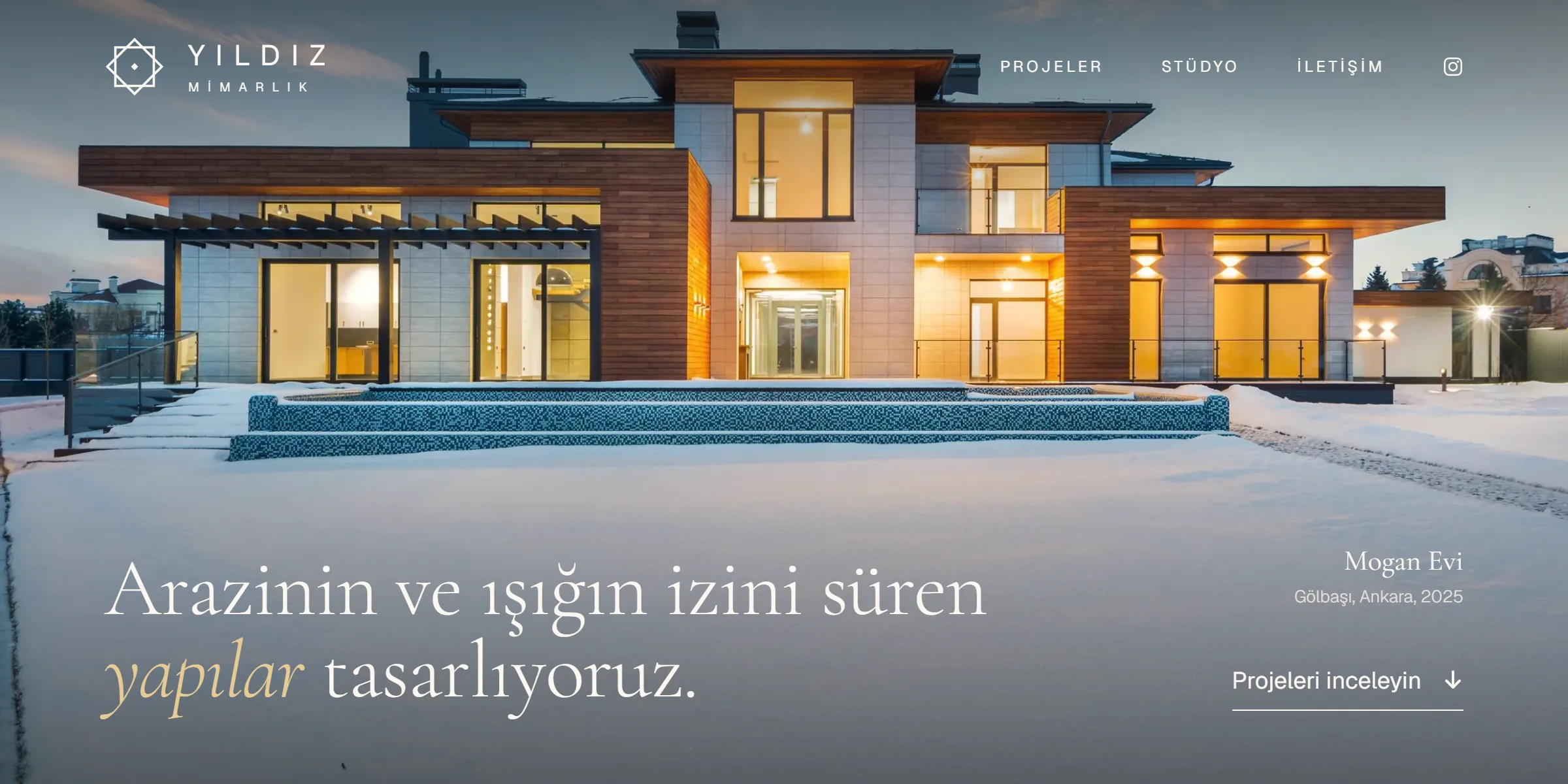
Residential, villa, office and interior projects sit in a selection of cards in different sizes, each card with the project name, type and year. Hovering slowly enlarges the image, and a click opens the project's own page.
In the multi-page build each project gets its own address, Google lists each one separately, and someone searching the project name lands straight on that page.
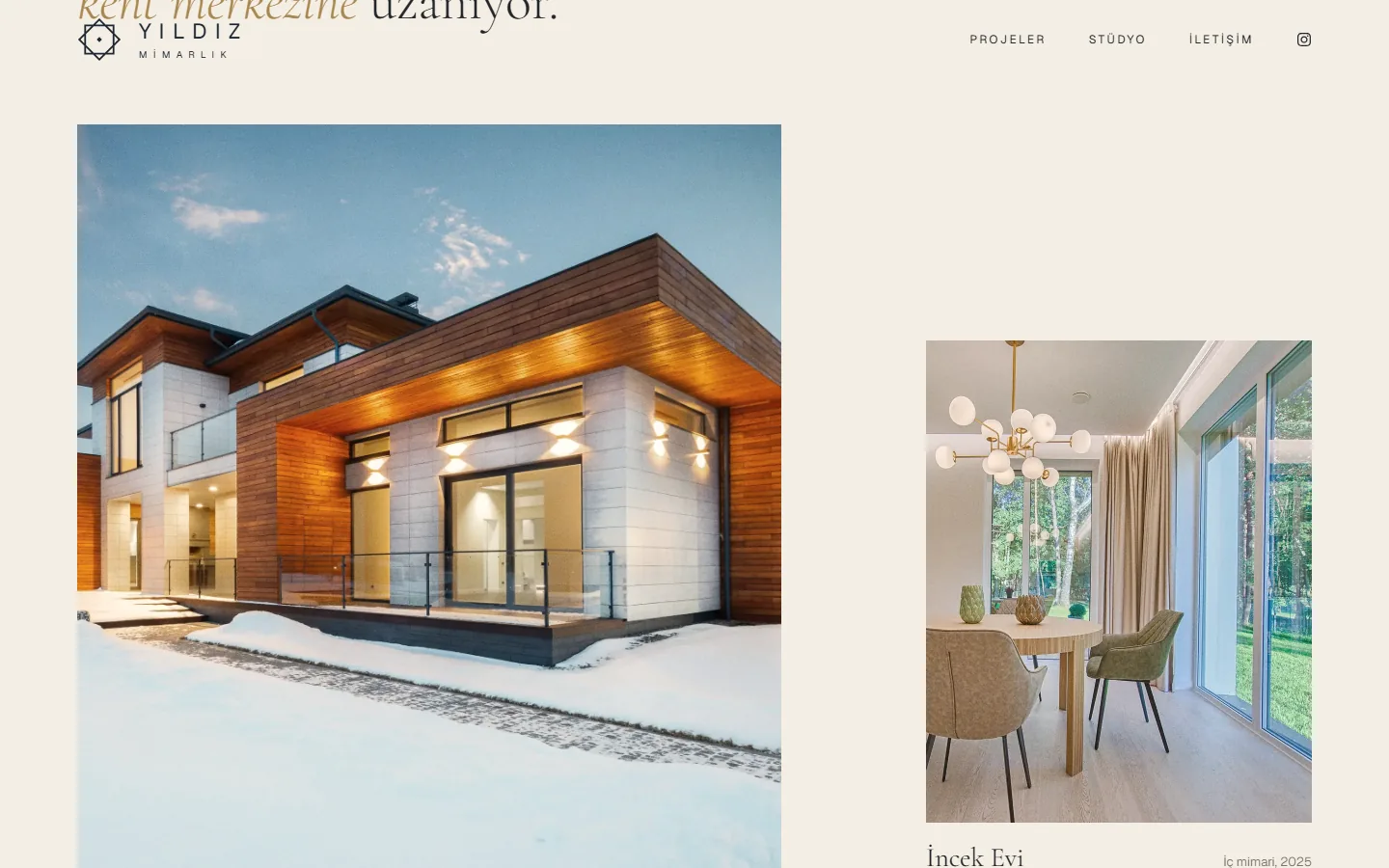
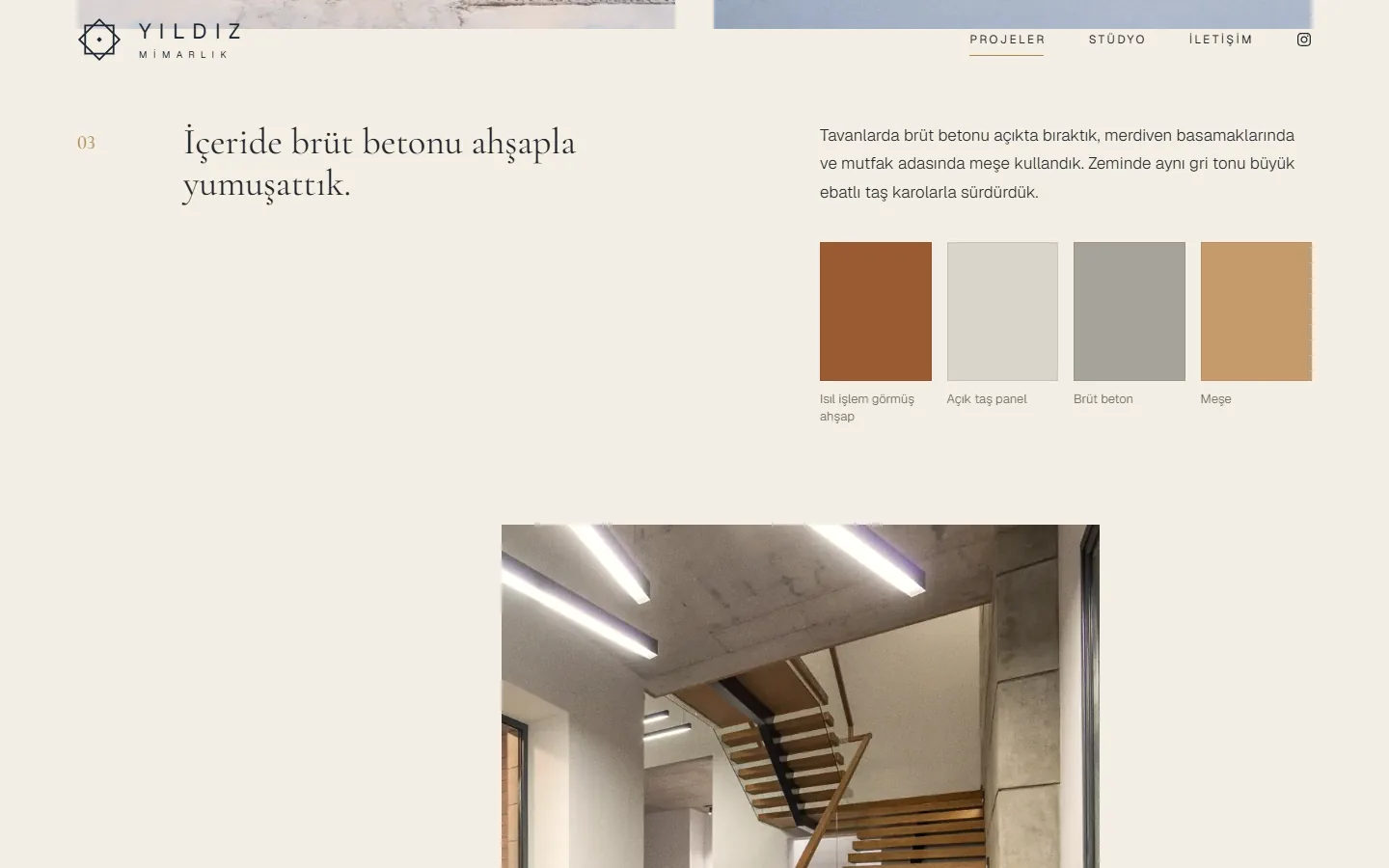
The project page opens with a cover image, followed by a fact sheet of location, year, area and scope. Then the design decisions are told in numbered sections, with full-sentence headings and images.
The landowner reads not just the result but the reasons behind the decisions. On a phone the same layout flows in a single column.
Timber, stone, fair-faced concrete, oak: the materials used in the project sit in a palette with colour swatches. For interior projects the same section covers fabric, plaster and surface choices.
The images below the palette show how that decision was built. The number and order of sections can change from project to project.
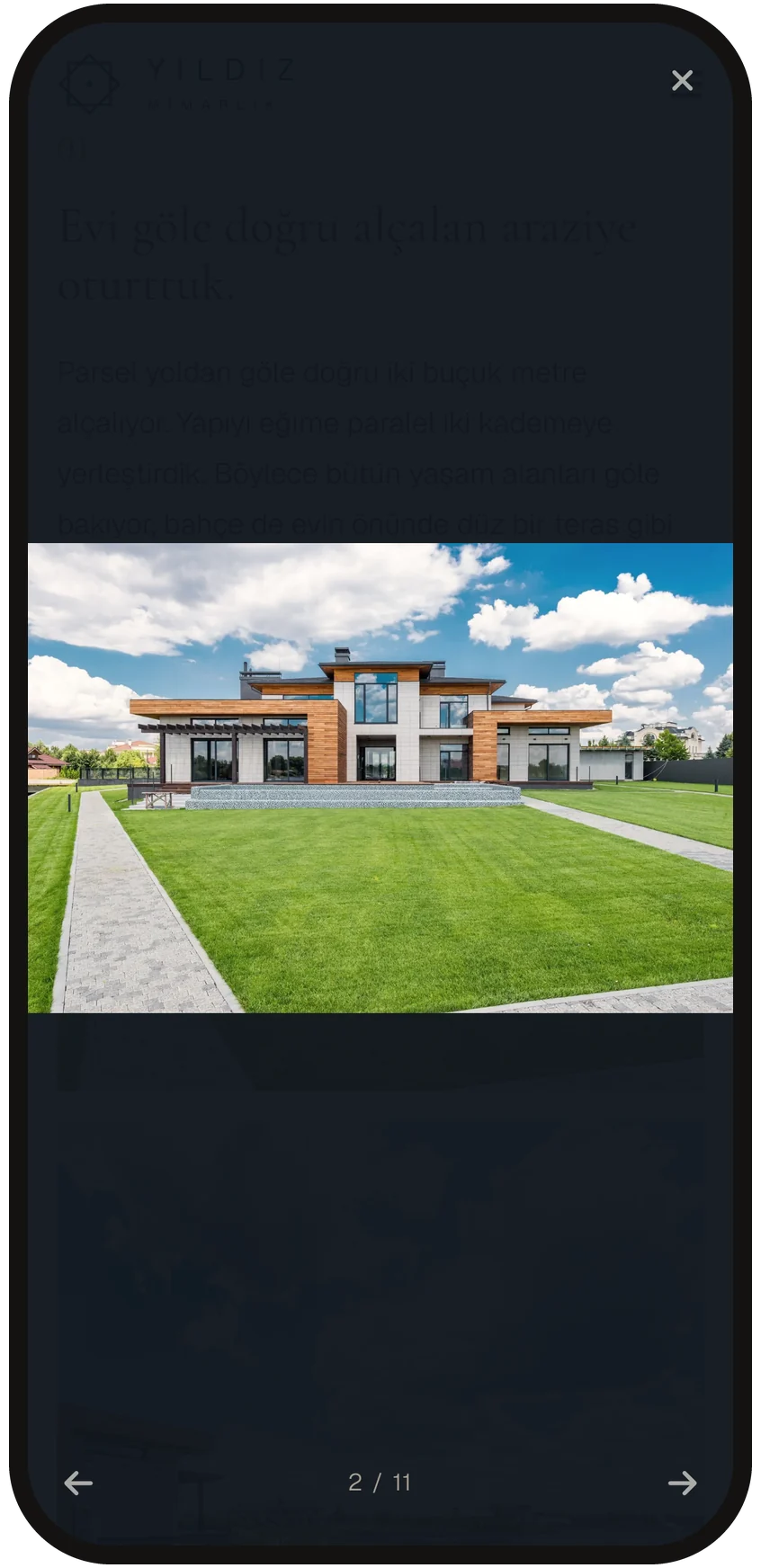
Every image on the project page opens in a full-screen gallery with a tap. Visitors browse all the photos with a swipe or the arrows, and a counter shows which image they are on.
Photos are chosen by screen size: a small file downloads on a phone, a high-resolution one on a large screen. Renders and photographs can sit in the same gallery.
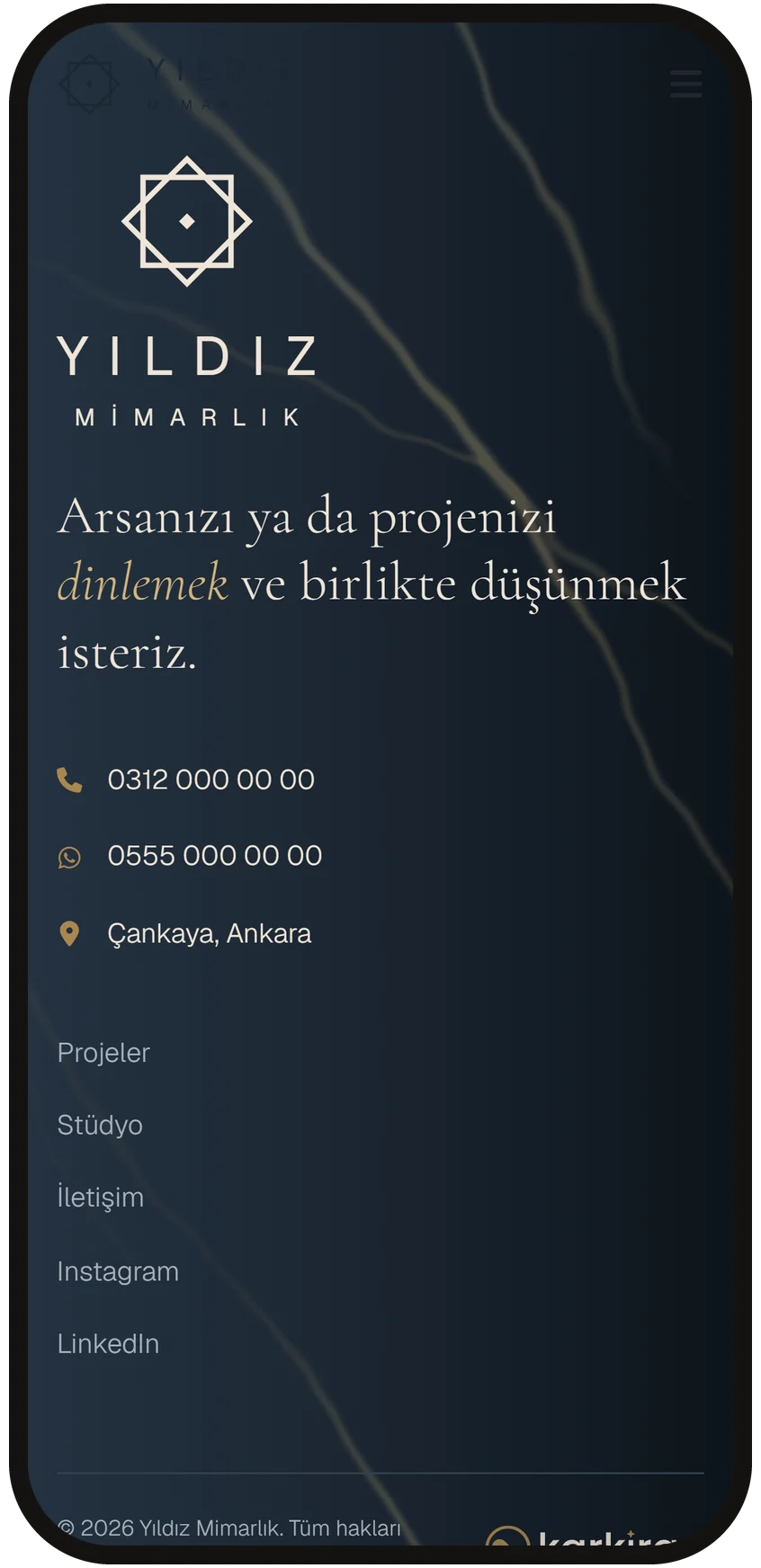
Office phone, WhatsApp and address at the end of the page. A visitor considering a project for their plot or flat reaches you through whichever channel suits them.
If you wish, a form asking for project type, plot or space size and location is added to the contact section, and the enquiry lands in your inbox or on WhatsApp. No monthly form fee.
A sample project we prepared for an architecture office. Browse the project selection, project page, material palette and gallery on your phone.
This site is a sample project we prepared for architecture and interior design offices. It is not a live client site, office details, project names and fact sheets are representative, and the photos are licensed stock images.
Yes. Renders and visualisations are shown in the gallery in the same layout as photos. An architectural photo shoot can be planned for completed projects if you wish, and photos taken on a phone become presentation-ready with our image enhancement service.
No. The projects you want to highlight are told on their own pages with fact sheet and story, the others stay as cards in the selection. As new projects are added the page count grows, and Google lists each project page separately.
Yes. If projects change often, your team enters a new project's fact sheet, text and images itself through our business management panel. If you do not want a panel, we add new projects for you.
No. Residential projects do not carry the client's name, and the location is given at district level. Any project or detail you prefer not to show stays off the site, and the fact sheet carries only the fields you approve.
Yes. For offices with projects abroad or international clients, English and additional languages are built at their own addresses and introduced to search engines with hreflang. For the multilingual setup, see our export website page as well.
With project images and texts ready, a single-page architecture site goes live in two to three weeks. A build where every project has its own page takes longer depending on the number of projects.
Let's settle the right build for your company in a ten-minute call.
Let's talk
Quotes, service reports, company cards, equipment calendar and ledger on one screen. Runs under the same domain as your website, no per-user fee.
See details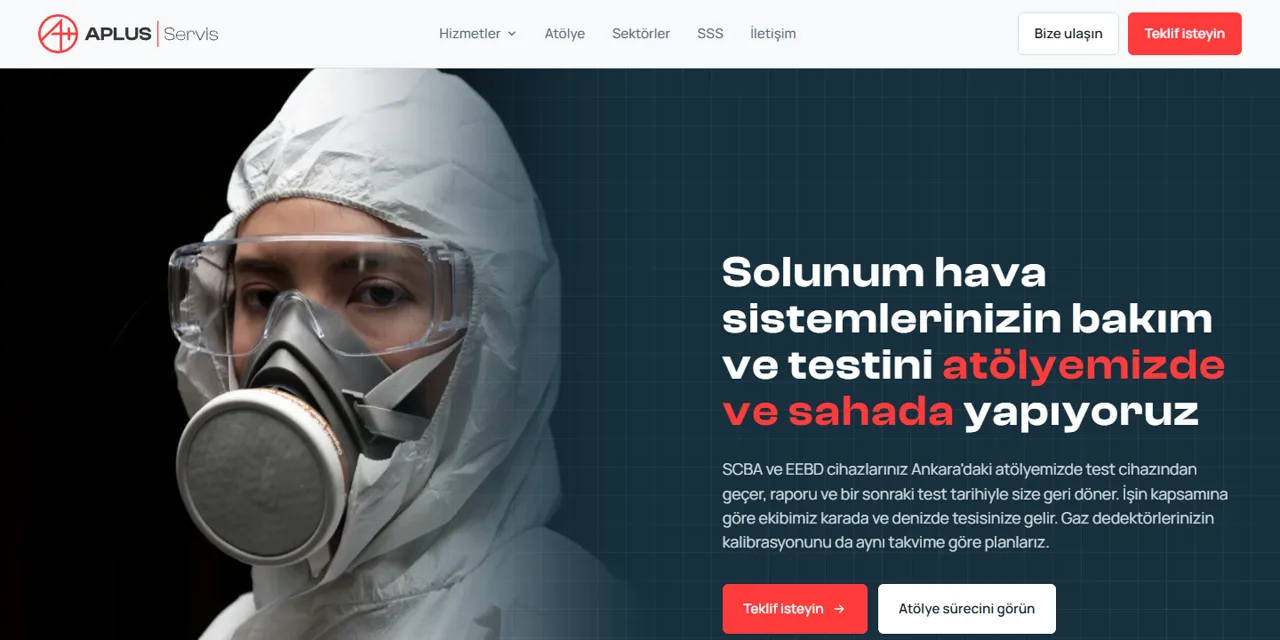
We design the site for your company, it opens fast and is found on Google. No monthly fee, the whole system from domain to code belongs to you.
See details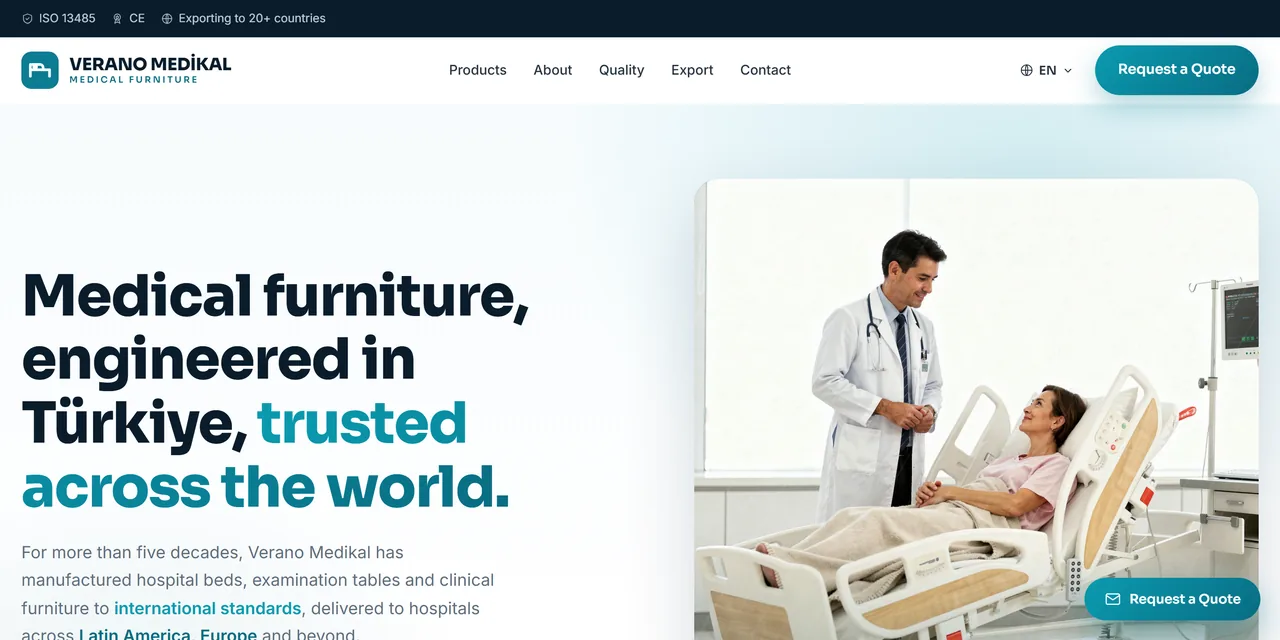
Multilingual product showcase, catalogue, and quote and distributor requests from abroad.
See details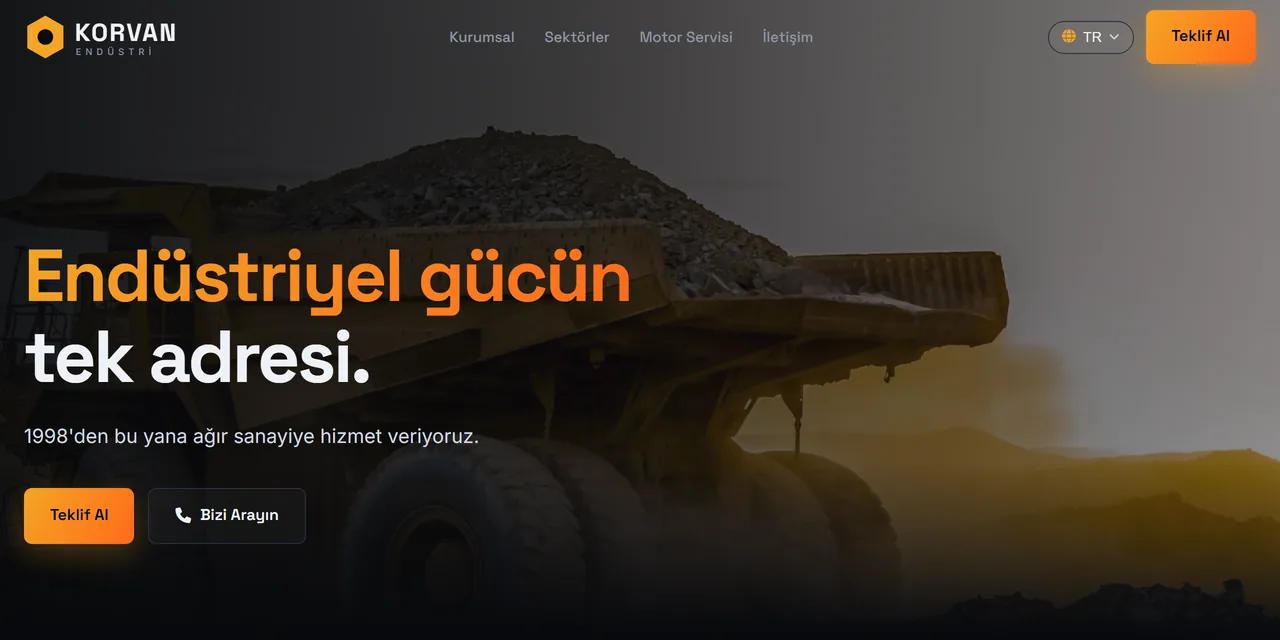
Product groups, service pages, solutions by sector and a quote form.
See details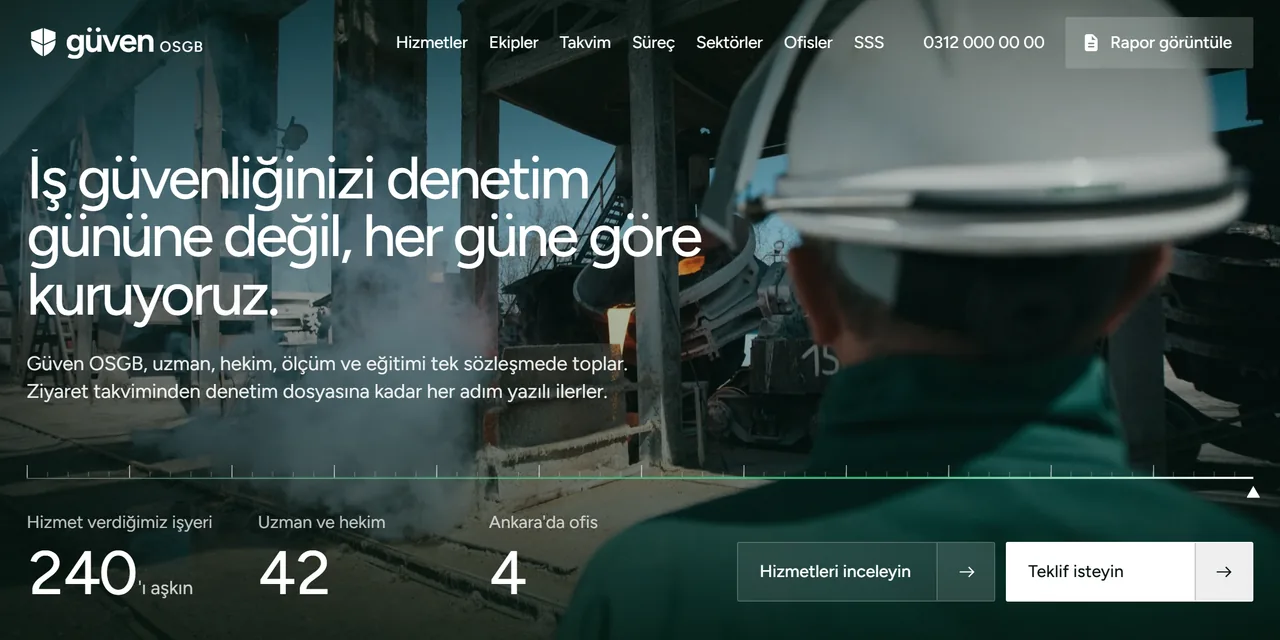
Service cards, a renewal calendar by hazard class, authorisation certificates and a quote form that asks for the hazard class.
See details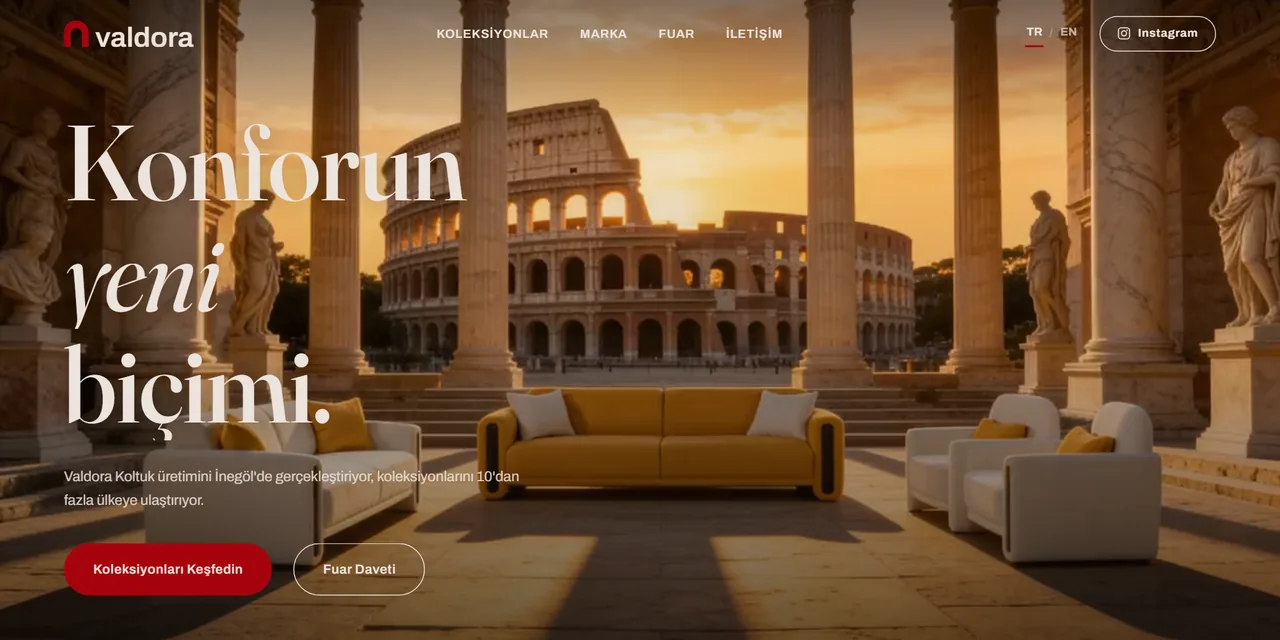
Collections on series pages, one-click catalogue, trade fair invitation and dealer requests at one address.
See details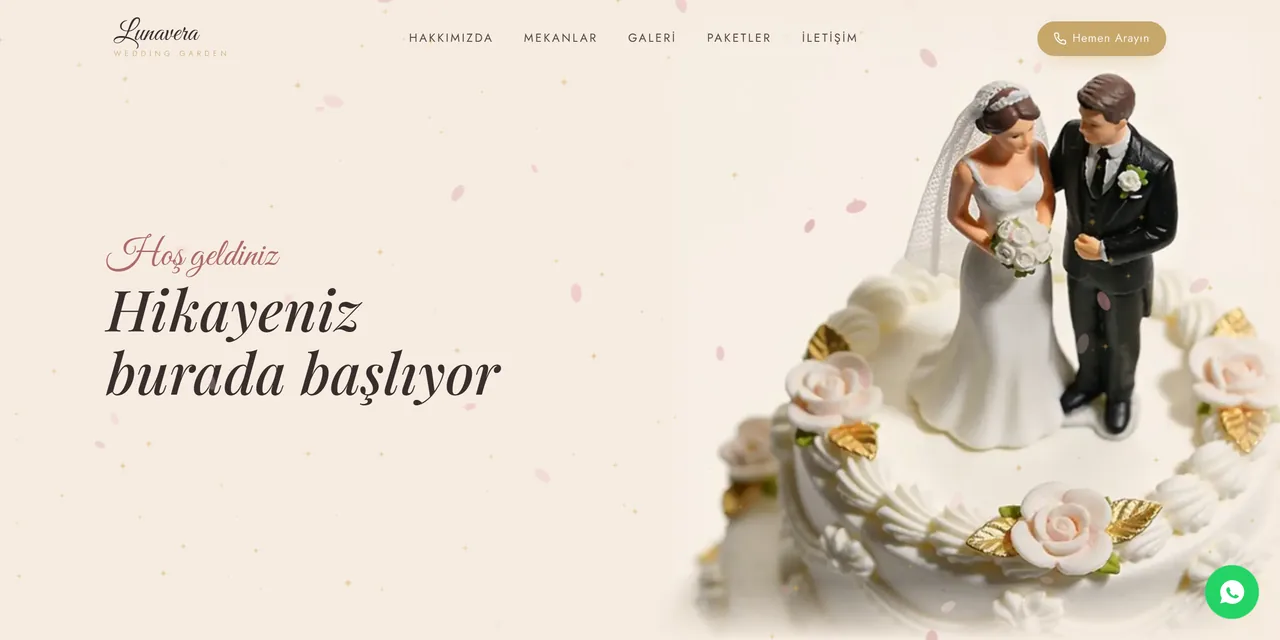
Venues, gallery and packages on one site. Couples send date and quote requests with a single WhatsApp message.
See details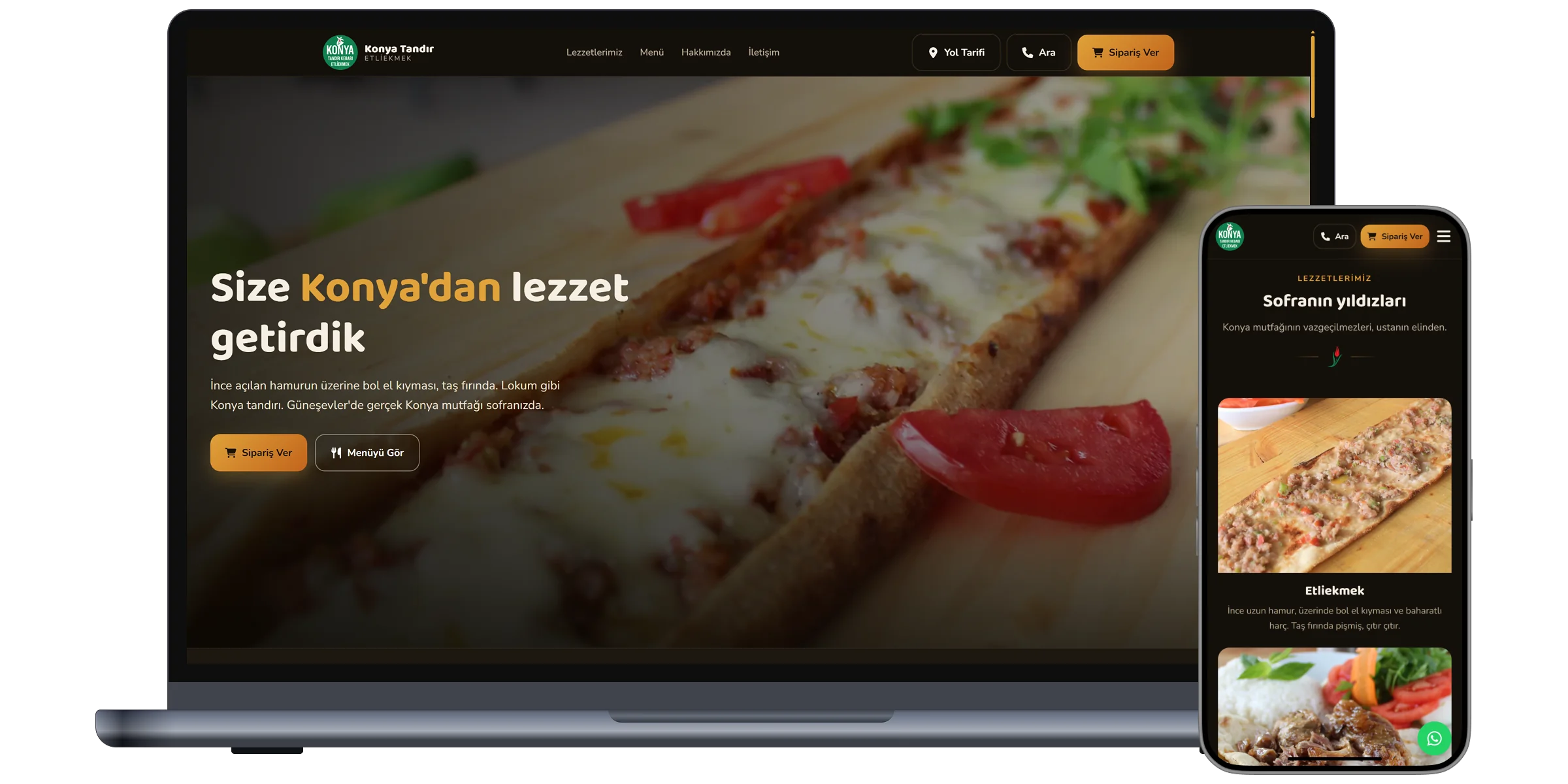
QR menu, table ordering and delivery. Orders arrive directly at the restaurant, commission free.
See details